A commercial pilot is one of the most prestigious and highly paid professions in India. All the aspiring candidates must have the EGCA ID needed to complete several steps within the pilot training program as established by the Directorate General of Civil Aviation (DGCA).In this blog, we will talk about how to create an EGCA ID Step-by-Step and a complete beginner’s guide for Aspiring Pilots.
EGCA means e-Governance for Civil Aviation. DGCA is the topmost regulatory authority in India that manages all the aviation-related work in India. DGCA has created an online portal that is used for all aviation-related services and tasks. It is a digital platform that is used by all pilots and aspiring candidates to manage all of their needs and services in the aviation sector.You can log in to the EGCA portal with the help of your EGCA ID. You will use the EGCA ID for the following reasons as an aspiring pilot:
You can apply for the pilot license on this portal.
It helps you to upload all the documents.
The portal can help you to track the application for a pilot license.
To schedule an exam.
This also helps with medical approvals and appointments.
To manage your aviation records electronically.
Why Is an EGCA ID Important to Aspiring Pilots?
Almost every aviation-related process today is linked to the EGCA portal. All the flying institutes and schools will ask the first question about the EGCA ID from the students. Simply put, you must have an EGCA accountHaving the EGCA ID will help you to do all the things in no time and with full order and transparency.
Documents Required To Create An EGCA ID
Have these documents available to register your ID:
Your Aadhaar card
Your PAN card
Your email address
Your mobile number
A recent passport-size photograph
A verifiable signature
Your educational certificates
Your proof of address
10th standard marksheet in jpg or pdf format with max 4 mb size.
You need to inform about your blood group as well.
You must upload or provide the cleaner and properly scanned documents.
Step-by-Step Instructions to Create Your EGCA ID
The following is a complete description of each step in the registration process.Step 1: Go to the EGCA Portal Visit the Directorate General of Civil Aviation and find the link to the EGCA portal; click on the link to access the homepage of the EGCA website/domain. Ref: https://www.dgca.gov.in/digigov-portal/jsp/dgca/homePage/egcaLoginIndex.jspOn the homepage search for ‘Registration’; you will find the registration link near the top of the homepage.
Step 2: Select ‘Register’
Click on the ‘Register’ or ‘Sign Up’ button to register as a new user. When registering as a new user you will see a menu with different types of users; select ‘Pilot’ or ‘Trainee’.
Step 3: Provide Personal Information
You will need to fill in your personal information exactly as it appears on your government-issued identification. Make sure to avoid any spelling mistakes or write the non-identical information.It is extremely important to enter your information exactly as it appears on your government-issued identification, because any spelling differences in the entries on the registration form will result in your application being rejected.
Step 4: Create Username and Password
Create a Username and Password that are secure.For passwords, use a combination of:
All caps
Lowercase ASCII letters
Numbers
Special characters
Note: Write down your Login Information for use later.
Step 5: Upload all Required Documents.
When uploading documents, the following should be in the uploaded document.
You need a photograph
Signature must be the same
Proof of Identity will be needed
Proof of Address is mandatory
Educational Qualification Certificates
Step 6: Verify email and mobile number
You will receive a one-time password (OTP) from your registered email and mobile number to complete the verification process.Failure to complete the verification process may result in not receiving any future updates from DGCA.
Step 7: Submit the Application
After reviewing all the details provided, click on the submit button. Your application for registration will be processed.You will receive:
Email confirmation of registration
Application number
Login confirmation
Please save this information for future reference.
Mistakes You Should Avoid When Registering with EGCA
One of the most common mistakes made by first-time users when registering for an account is the correct spelling of their personal name. You should compare your name to your Aadhaar and education documents for accuracy.Another mistake is not using a valid email address and mobile number. You must have access to a current and valid email and mobile number, as you will receive all future updates from DGCA via email and mobile number. You can also check by clicking on the link to know in detail about the registration process.
Mistakes You Should Avoid When Registering with EGCA
One of the most common mistakes made by first-time users when registering for an account is the correct spelling of their personal name.
You should compare your name to your Aadhaar and education documents for accuracy.
Another mistake is not using a valid email address and mobile number.
You must have access to a current and valid email and mobile number, as you will receive all future updates from DGCA via email and mobile number.
What Happens After You Create the EGCA ID?
Once you have been approved for a new account and the EGCA ID has been created, you have multiple aviation services available to you.
Is There a Cost to Create an EGCA ID?
Building your EGCA ID has no cost. However, any aviation service you apply for through the Portal will likely carry Costs or fees and you will want to refer to the official Store page of the DGCA for an Updated List of Services with associated fees.
Blockquote
Every pilot’s journey begins with preparation, and creating your EGCA ID is the first takeoff toward your aviation dream.
Conclusion
As you begin your journey towards Your New Piloting Career, creating an EGCA ID represents the First and Primary Step in your New Piloting Career. While the EGCA ID Process may be complex in representation to a New Student at the start, it will become quite intuitive with time and experience.Narain Aviation is a top aviation school that provides the best commercial pilot training for students and also guides them in making the EGCA ID. Feel free to learn more about the services provided by the institute.
Contact deails
Flying school – Narain AviationAddress – M-170, 2, 2nd Main Rd, East Of NGEF, Kasturi Nagar, Bengaluru, Karnataka 560043Contact – +91-9148402949WhatsApp – 919945225068E-mail – [email protected]
Frequently asked questions
1) Which is the top institute that helps its students to make an EGCA ID?
Narain Aviation is a top aviation institute that helps aspiring candidates to make an EGCA ID and helps them with other formalities.
2) Is it required for pilots to have an EGCA ID?
Aspirants must obtain an EGCA ID so that they can apply to take DGCA examinations, have medical clearances, and get their pilot licenses.
3) How do I create an EGCA account?
You can create the account easily on the portal. You will need the documents to add information from them and use them to set up our account.
4) Can I modify my EGCA registration?
You can do it, but not always. There are certain times when you can make the changes.
5) What is the average wait time for EGCA ID approval?
The timeline can vary for the EGCA ID approval. It can be done in a few working days if the documents are all present and are uploaded carefully.
“`html “`
Fill the Details Below & Get a Free Guide on How to Become a Pilot.
He had served in the Meteorological Branch of the Indian Air Force for over 25 years. He not only has had years of experience in operational weather forecasting across the country but had also served in the capacity of Joint Director involving administrative and policy matters.
He was part of IPKF in Sri Lanka and served during various operations. He was actively involved in issuing timely forecasts for cyclones over Kutch and during earthquake at Bhuj.
He has deep knowledge of Meteorology and forecasting based on years of experience having served in most parts of the country. This practical knowledge mixed with years of teaching experience is very helpful in his current assignment.
Besides all of the above, he has had the opportunity of teaching Met for over five years to young trainee pilots at flying academies in Bidar and Hakimpet. At these places, young trainees from Fighter and Helicopter stream were trained to become pilots’ in the Indian Air Force.
A Squadron Commander in the IAF, she has handled the responsibilities of a Senior Air Traffic Controller, Radar Controller and a Duty Air Traffic Controller. She was the operational and administration head for more than 70 personnel in a squadron, which included officers and airmen.
Implementation of Airport procedures and enforcing field rules and regulations at diverse IAF bases with varied traffic conditions.
Successfully handled Aircraft operations as Senior Air Traffic controller at busy Air Force bases like Tezpur, Jodhpur, Bidar and Hakimpet which have complex flying environments, handling mixed traffic of defence as well as civil airplanes.
Successfully delivered results while working under challenging conditions and resource constraints. Possesses the ability to integrate and motivate diverse teams by creating positive work environment to facilitate high grade performance.
A retired fighter pilot, with versatile experience of 30 yrs. in the IAF, comprising Flying Training primarily, Operations and Flight Safety, apart from Surface to Air Missiles and Radars.
Over 17 yrs as a pilot, including second-in-command of a Flying Squadron. Total Flying of 2,350 hrs (4000 sorties), on Maruts, MiG-21s, Kirans, HT-2s and HPT-32s. Have force-landed aircraft without engine power twice, as a trainee (jet trainer aircraft) and as an Instructor (propeller trainer aircraft).
Qualified/Chief Flying Instructor twice at the Air Force Academy, 900 hrs instructional flying with trainees. Chief Ground Instructor at AF Stn Bidar, handling all Ground Training for flying
Commander of a Missile Squadron of 375 technical, operational and support personnel, for 3 yrs. Best Guided Weapons Squadron twice, 1997-98 and 1999-2000.
Director/Senior Flying Training Officer at HQ Training Command IAF, Bangalore for 5 yrs. Responsible for induction and operations of Hawk Advanced Jet Trainers and Flight Simulators at Bidar, Flying Instructors’ School at Tambaram and Surya Kiran Aerobatic Team (SKAT).
Qualified Flying Instructor, trained at Flying Instructors’ School, Tambaram, Chennai(1990) Second in Flying and fifth in overall merit at commissioning.
Air Marshal Ravinath Gururaj Burli (Retd) has a distinguished record of four decades of service. He has been an instructor at Flying Instructors School (FIS), Tactics And Combat Development Establishment (TACDE), Defence Services Staff College (DSSC).
He was Commandant at Air Force Academy (AFA), Dundigal, where he trained the young air force cadets learn flying training.
He brings his immense knowledge to train young students at our institute in Navigation, Instruments and Radio aids. His passion for teaching is amazing and fabulous.
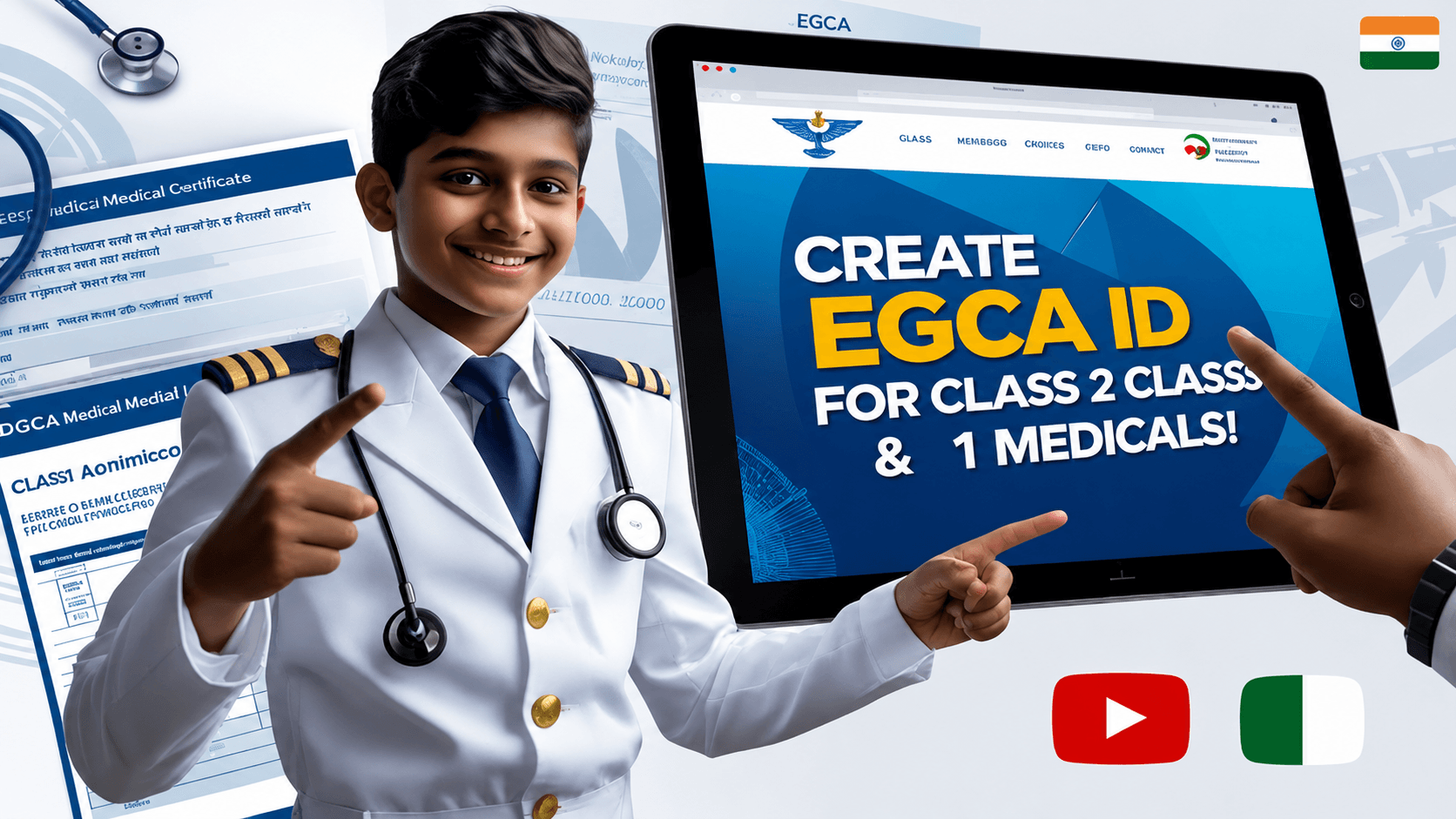
 EGCA means e-Governance for Civil Aviation. DGCA is the topmost regulatory authority in India that manages all the aviation-related work in India. DGCA has created an online portal that is used for all aviation-related services and tasks. It is a digital platform that is used by all pilots and aspiring candidates to manage all of their needs and services in the aviation sector.You can log in to the EGCA portal with the help of your EGCA ID. You will use the EGCA ID for the following reasons as an aspiring pilot: