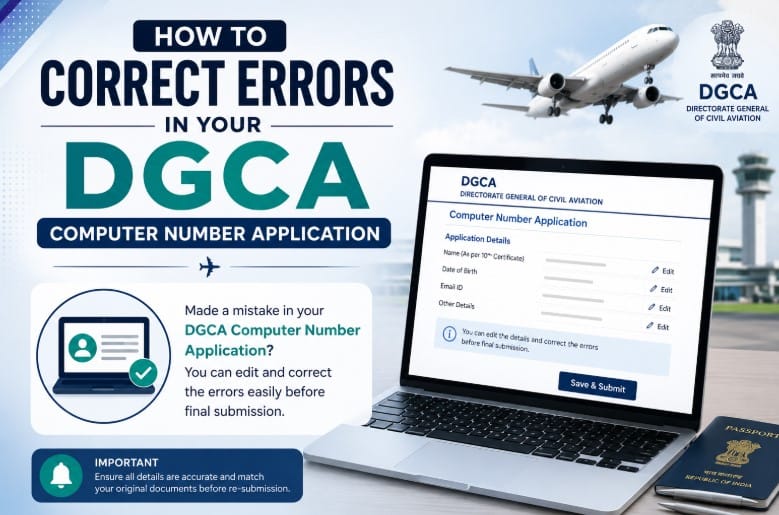
Applying for a DGCA Computer Number is perhaps the most important step that aspiring pilots have to take. This computer number, which is provided by the Directorate General of Civil Aviation, is compulsory in order to take DGCA examinations and receive results towards obtaining a pilot license. However, even small errors in your DGCA Computer Number Application can cause your application to be put on hold or even rejected. Knowing How to Correct Errors in Your DGCA Computer Number Application can help you avoid unnecessary complications.
Common Mistakes in a DGCA Computer Number Application Form
There are several errors applicants may make due to inaccuracies in their personal information or during the document-upload process. These include:
Mismatch in the name between academic documents and personal identification.
Mistakes in your date of birth (DOB).
Poor quality of the scanned copy of any required document.
Incorrect format of uploaded documents or wrong file size.
False information about education.
Uploading old photos or signatures.
Incomplete application form.
All these mistakes are among the main causes of delays in the approval of DGCA applications.Applying for a DGCA Computer Number? This video covers the essential do’s and don’ts every aspiring pilot should know to avoid application errors, delays, and rejections.
For New Candidates
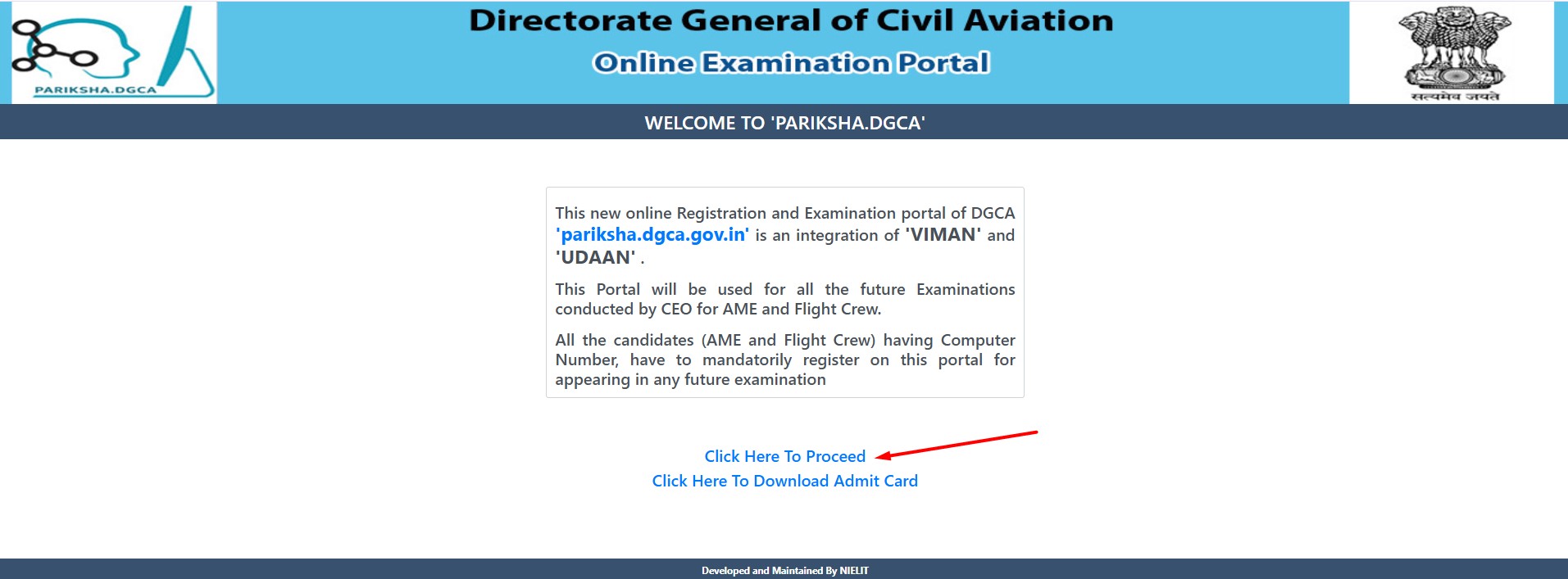
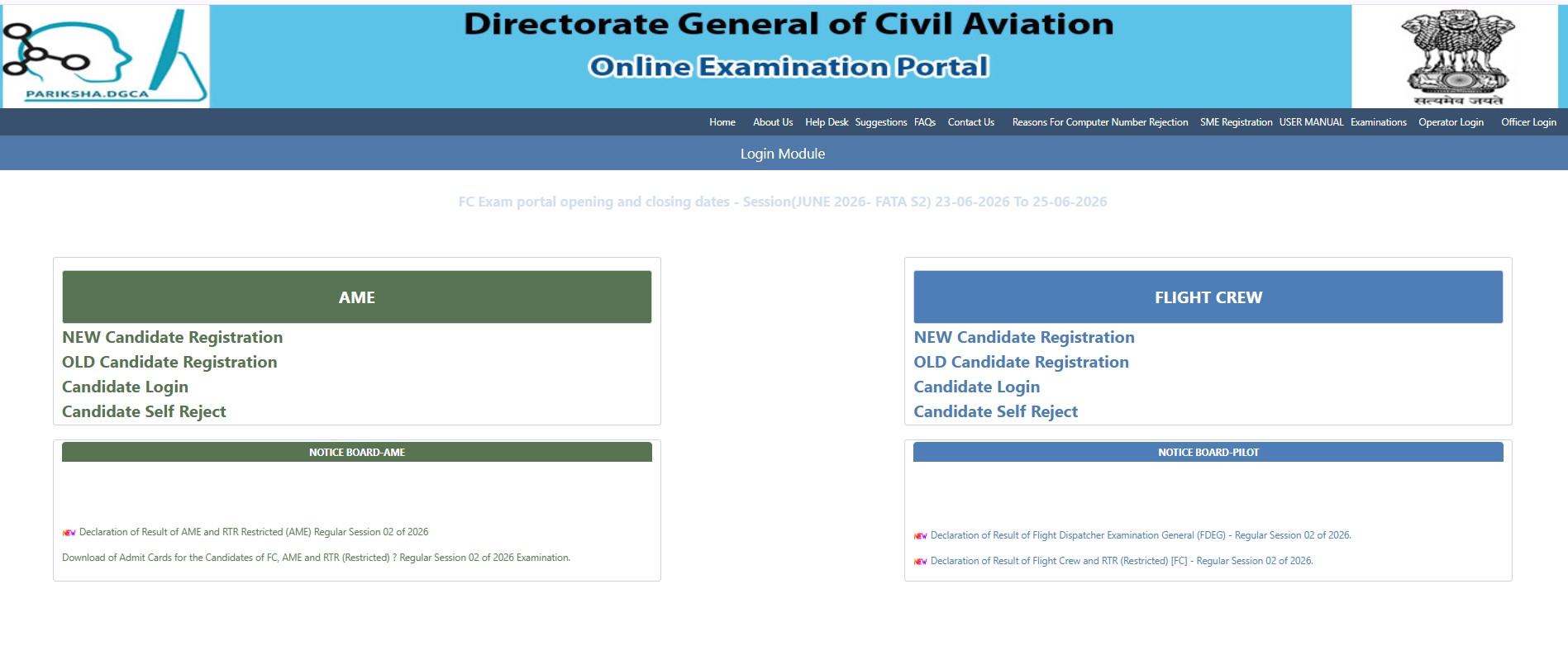
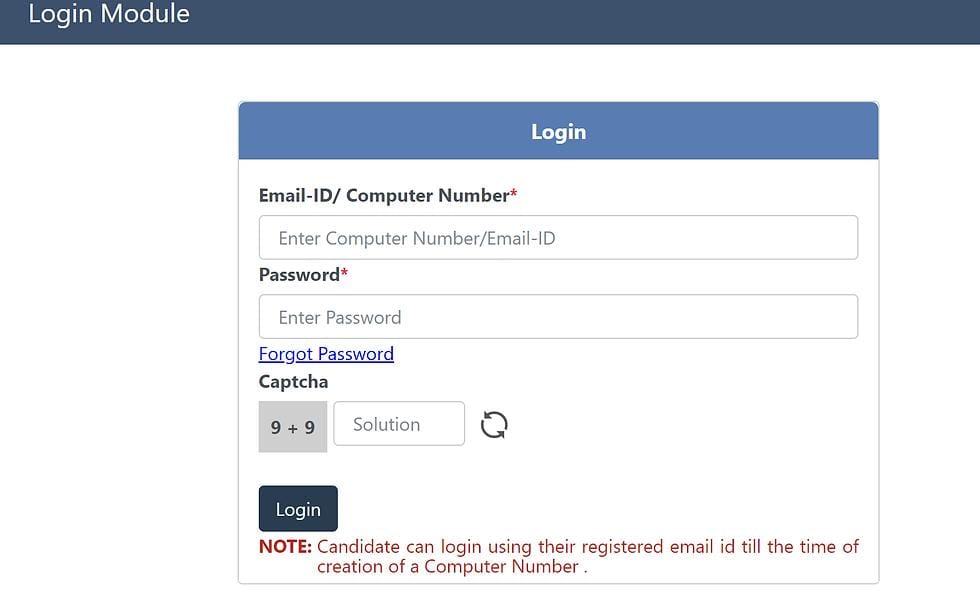
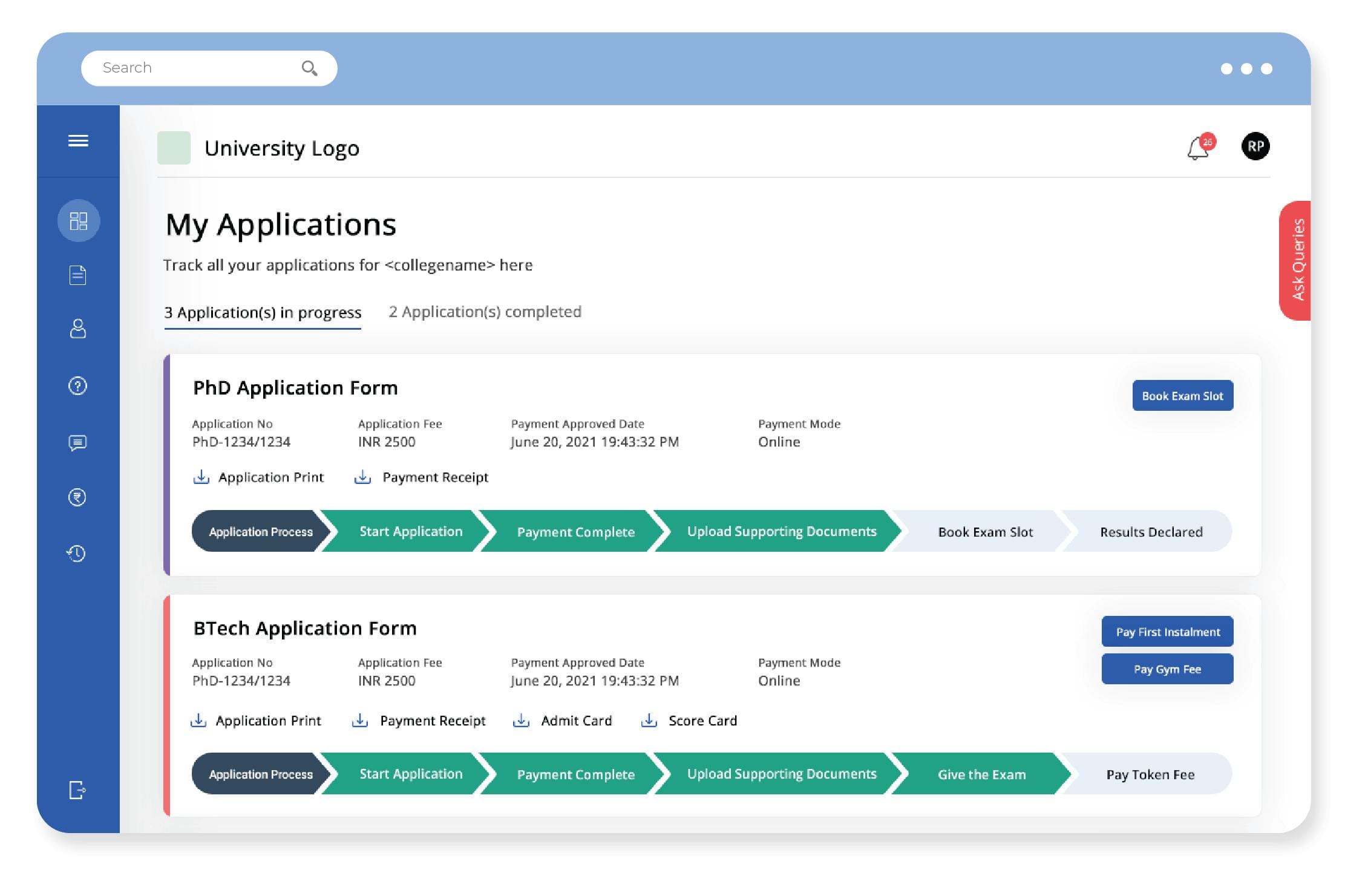
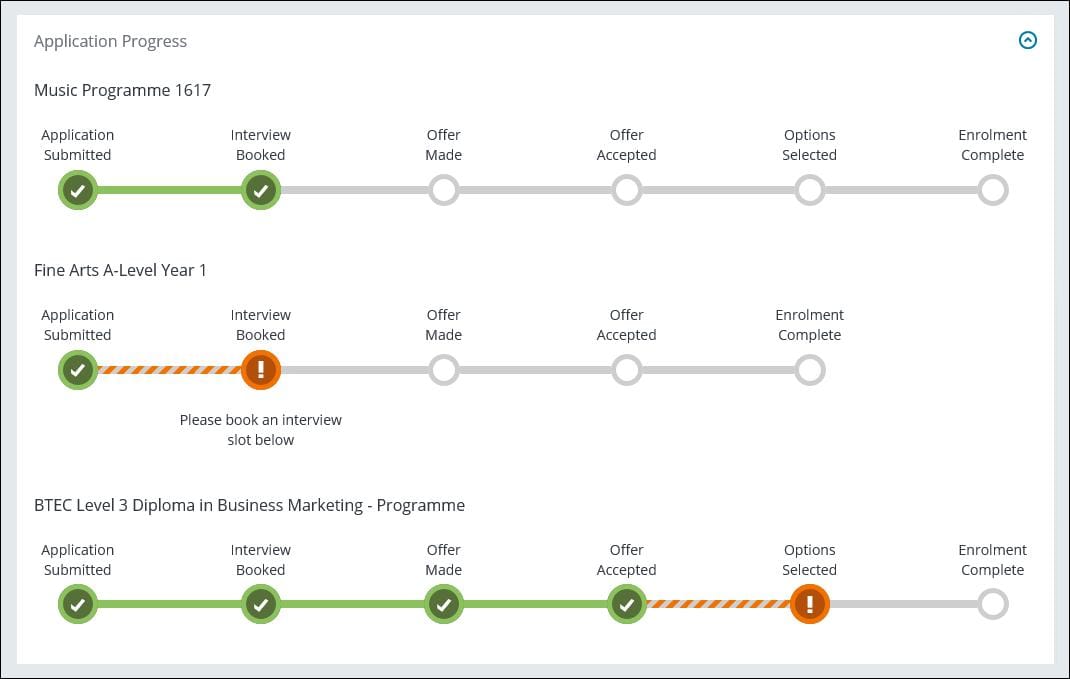
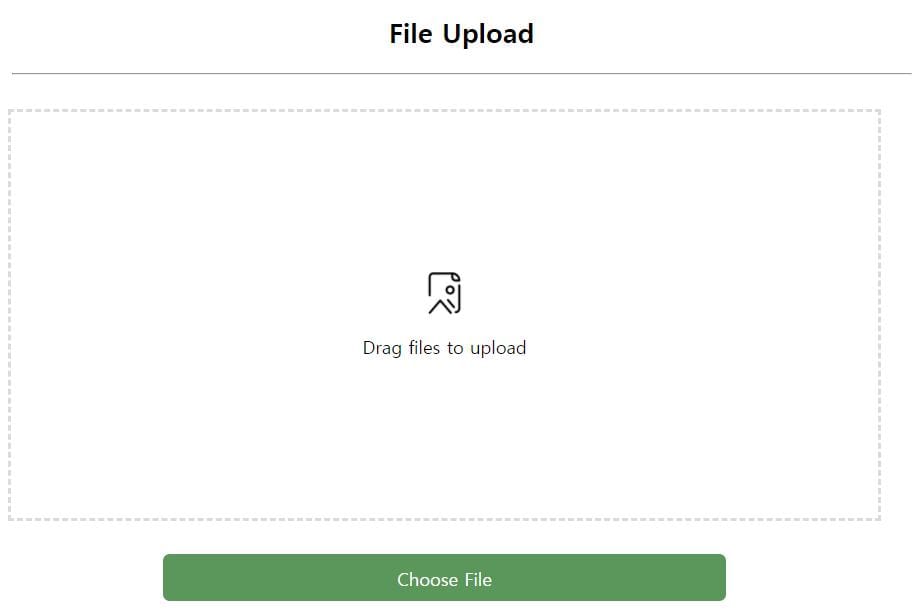
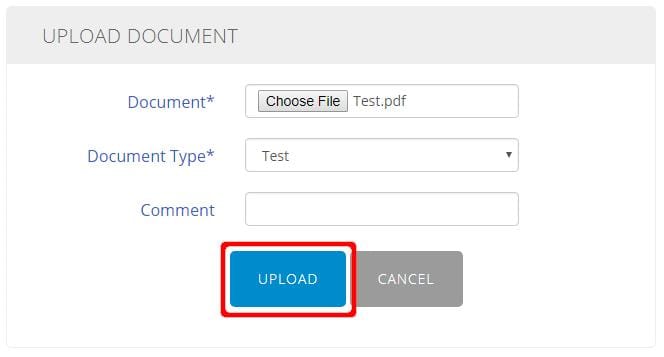
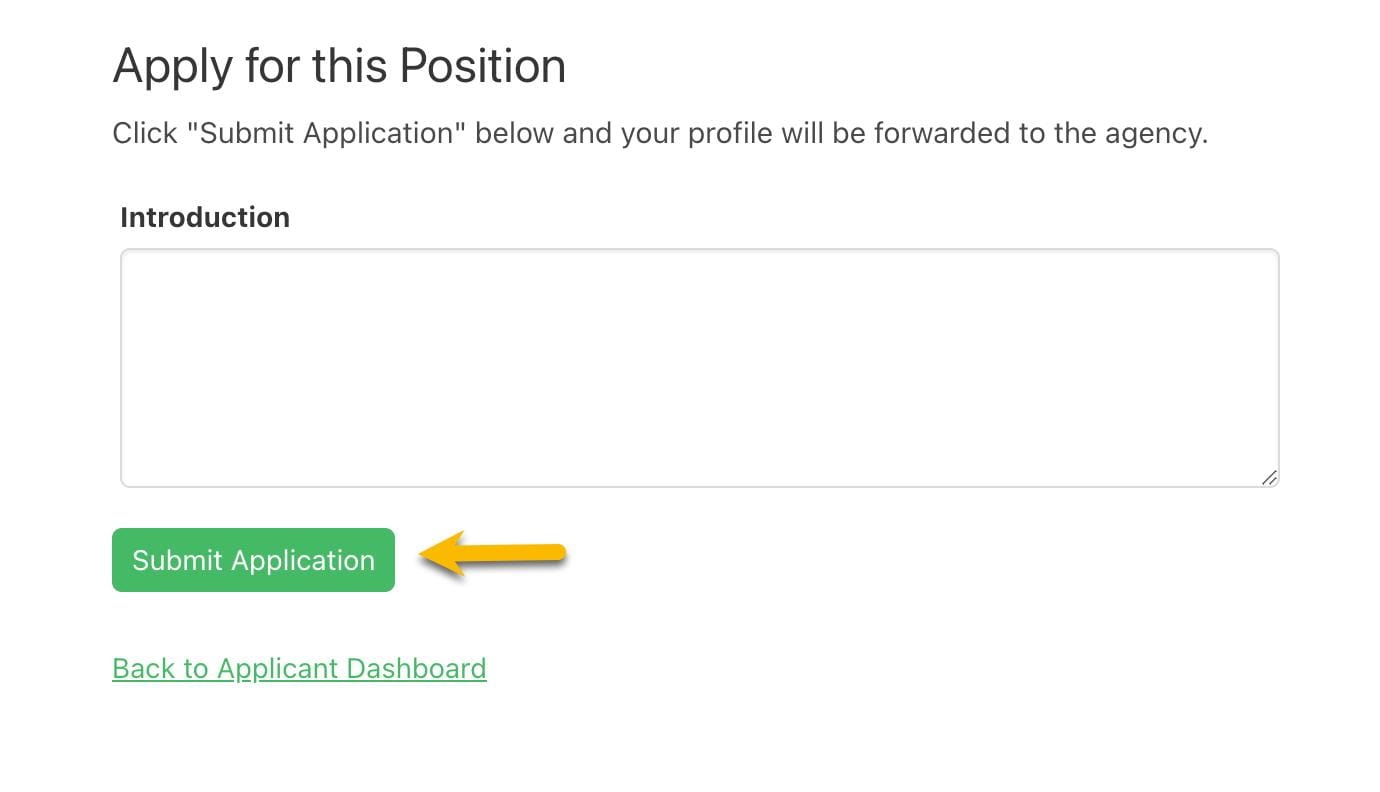
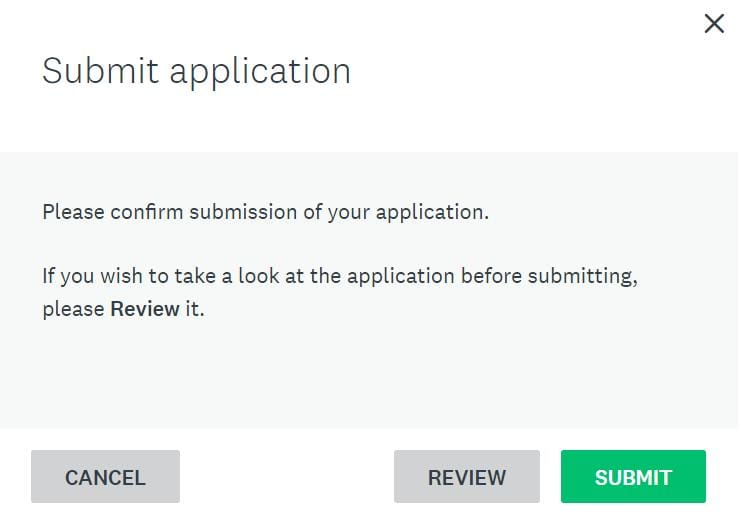
In case you are a new applicant to the DGCA Pariksha portal and applying for a Computer Number for the very first time, take a look at the steps below carefully so that you get acquainted with the application correction procedure. To begin with, log in to the portal and reach the application dashboard page from where you can find any kind of deficiency or rejection remarks and upload the corrected documents accordingly. These steps have been given in a visual format, and these are specially meant for those who are applying for the very first time to avoid any mistakes in the procedure. Here are the steps:
8. Describe your position or give introduction and click on the Submit Application button
9. Confirm your application submission
10. Your application has been submitted
How To Fix Mistakes In Your DGCA Computer Number Application
1. Visit the DGCA Website Portal
Visit the DGCA portal (eGCA or Pariksha Portal). Use your login credentials to access your account.
2. Detect The Error
As the first step in correcting your application form, examine it to identify the error. This could be a misspelled name, an incorrect DOB, missing information, or a mismatch between the application and the submitted documents.
3. Collect Required Supporting Documentation
In most cases, DGCA will require supporting documents when making any corrections. The required documentation will depend on the specific type of error, but could include the following:
Class 10 passing certificate
Class 12 passing certificate
Passport
Aadhaar card
Affidavit for name change
Gazette notification (if applicable)
Make sure that all provided supporting documents have the right details.
4. Apply for a Correction Request
If there are discrepancies in personal information, like names or DOB, you will have to apply for a correction request along with documents as evidence. It is advisable to clearly explain the issue and present relevant documents. Accuracy at this stage is key to making the process faster.
5. Check Your Application Status
Once you have requested changes to your information, keep checking the status of your application periodically. The DGCA may seek more documents or clarifications from you.
Prevent Future Mistakes
While it is important to know how to rectify mistakes, prevention is key to saving time. These are some things to do:
Ensure your name matches that of your Class 10 certificate.
Check your DOB on all documents to be submitted.
Provide quality scans.
Adhere to DGCA size and format guidelines.
Verify your education credentials before uploading.
Proofread all your documents.
According to aviation training specialists, document mismatches and poor-quality uploads are among the leading causes of application rejection.
Why Is It Important to Get Your Information Right in the Application of Your DGCA Computer Number?
The DGCA Computer Number serves as your permanent identification number for aviation-related records. Any mistakes in the process will affect you in the following ways:
Your ability to register for your DGCA exams
Your ability to apply for your pilot license
Your flight training record
Your aviation career record in the future
Providing accurate information from the beginning will make the process much smoother.
Conclusion
It is very important to correct mistakes in your DGCA Computer Number application to make it easier for you to obtain your pilot license. The more carefully you verify your information, maintain proper documentation, and follow DGCA guidelines, the lower the chances of your application being rejected.If you are looking for DGCA solutions, pilot training, and an aviation career, look no further than Narain Aviation. Explore the comprehensive programs offered by Narain Aviation to begin your aviation career.
FAQs
Is there any provision to get my name corrected after submitting the DGCA Computer Number application?
Yes, if the name entered by you does not match your documents, then you can file for correction and provide valid documents for support, like a Class 10 certificate, a passport, etc.
What should I do if the date of birth entered in my application is incorrect?
You will have to immediately raise a request on the DGCA portal and send your proof of date of birth, such as a Class 10 certificate or passport.
How long does DGCA take to verify correction requests?
The processing time varies depending on the circumstances of each case. You should check for the status and emails sent by DGCA regarding the same.
Will my application be rejected due to blurry uploaded documents?
Yes, DGCA does not accept blurred or cropped documents. Only documents that can be easily verified are accepted.
What is the most common mistake made during a DGCA Computer Number application?
Name mismatches, incorrect date-of-birth entries, and inconsistencies between documents and application details are among the most common mistakes.
Fill the Details Below & Get a Free Guide on How to Become a Pilot.
He had served in the Meteorological Branch of the Indian Air Force for over 25 years. He not only has had years of experience in operational weather forecasting across the country but had also served in the capacity of Joint Director involving administrative and policy matters.
He was part of IPKF in Sri Lanka and served during various operations. He was actively involved in issuing timely forecasts for cyclones over Kutch and during earthquake at Bhuj.
He has deep knowledge of Meteorology and forecasting based on years of experience having served in most parts of the country. This practical knowledge mixed with years of teaching experience is very helpful in his current assignment.
Besides all of the above, he has had the opportunity of teaching Met for over five years to young trainee pilots at flying academies in Bidar and Hakimpet. At these places, young trainees from Fighter and Helicopter stream were trained to become pilots’ in the Indian Air Force.
A Squadron Commander in the IAF, she has handled the responsibilities of a Senior Air Traffic Controller, Radar Controller and a Duty Air Traffic Controller. She was the operational and administration head for more than 70 personnel in a squadron, which included officers and airmen.
Implementation of Airport procedures and enforcing field rules and regulations at diverse IAF bases with varied traffic conditions.
Successfully handled Aircraft operations as Senior Air Traffic controller at busy Air Force bases like Tezpur, Jodhpur, Bidar and Hakimpet which have complex flying environments, handling mixed traffic of defence as well as civil airplanes.
Successfully delivered results while working under challenging conditions and resource constraints. Possesses the ability to integrate and motivate diverse teams by creating positive work environment to facilitate high grade performance.
A retired fighter pilot, with versatile experience of 30 yrs. in the IAF, comprising Flying Training primarily, Operations and Flight Safety, apart from Surface to Air Missiles and Radars.
Over 17 yrs as a pilot, including second-in-command of a Flying Squadron. Total Flying of 2,350 hrs (4000 sorties), on Maruts, MiG-21s, Kirans, HT-2s and HPT-32s. Have force-landed aircraft without engine power twice, as a trainee (jet trainer aircraft) and as an Instructor (propeller trainer aircraft).
Qualified/Chief Flying Instructor twice at the Air Force Academy, 900 hrs instructional flying with trainees. Chief Ground Instructor at AF Stn Bidar, handling all Ground Training for flying
Commander of a Missile Squadron of 375 technical, operational and support personnel, for 3 yrs. Best Guided Weapons Squadron twice, 1997-98 and 1999-2000.
Director/Senior Flying Training Officer at HQ Training Command IAF, Bangalore for 5 yrs. Responsible for induction and operations of Hawk Advanced Jet Trainers and Flight Simulators at Bidar, Flying Instructors’ School at Tambaram and Surya Kiran Aerobatic Team (SKAT).
Qualified Flying Instructor, trained at Flying Instructors’ School, Tambaram, Chennai(1990) Second in Flying and fifth in overall merit at commissioning.
Air Marshal Ravinath Gururaj Burli (Retd) has a distinguished record of four decades of service. He has been an instructor at Flying Instructors School (FIS), Tactics And Combat Development Establishment (TACDE), Defence Services Staff College (DSSC).
He was Commandant at Air Force Academy (AFA), Dundigal, where he trained the young air force cadets learn flying training.
He brings his immense knowledge to train young students at our institute in Navigation, Instruments and Radio aids. His passion for teaching is amazing and fabulous.